
Morpho
Design Explorer
An environment for computational
design exploration.
Abstract
Morpho is a research-oriented design exploration tool for Rhino and Grasshopper. It generates parameter combinations, records alternatives and their evaluated performance, and supports the selection of parents for further exploration.
The approach brings quantitative criteria and qualitative judgment into an iterative process. A retained population allows designers to revisit previous solutions and revise the direction of the search.
Research context & methodology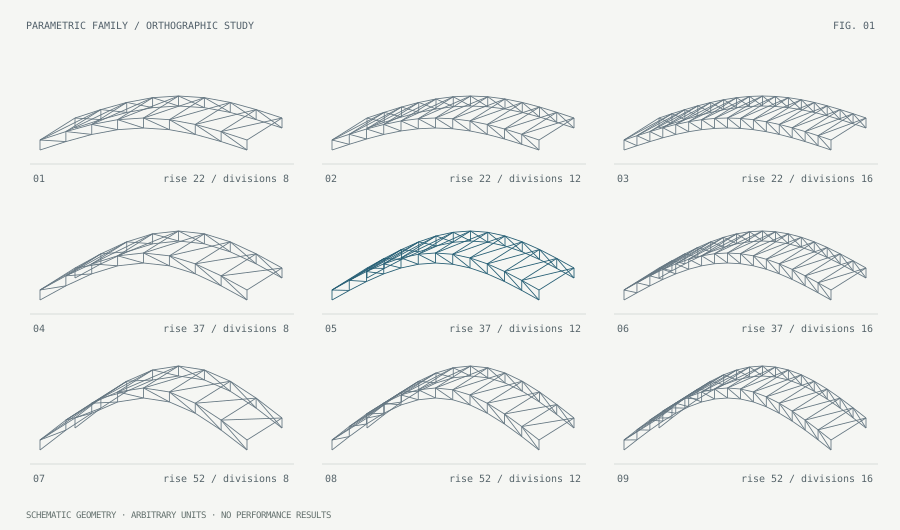
Design alternatives as
a field of inquiry.
A parametric model defines the family of designs that can be explored. Morpho samples that space and associates each saved alternative with its inputs, numerical outputs and visual records.
The resulting population supports questions about relationships among variables, competing objectives and architectural qualities. Performance values come from the designer’s own model and analysis tools.
Explore the geometric constructionINTERACTIVE FIGURE +
Geometric demonstration in arbitrary units. These controls change the drawn structure only; they do not run Morpho, evaluate loads or calculate fitness.
A retained population.
An iterative selection process.
The manual describes the method as a Non-Destructive Dynamic Population Genetic Algorithm (NDDP-GA). Saved alternatives remain available as the designer’s selection criteria develop. [2]
- 01
Define
Variables, bounds
and evaluation criteria - 02
Generate
Random sampling
or selected parents - 03
Record
Input values, outputs
and design images - 04
Interpret
Numerical comparison
and qualitative review
Quantitative assessment
Record quantities supplied by the analysis model, such as mass, displacement, area or member length. Express selection criteria through numerical conditions, rankings and logical combinations.
Qualitative assessment
Review the spatial and visual characteristics of alternatives. Select saved solutions by ID when design intent cannot be represented adequately by a single numerical objective.
Examine the population
at several scales.
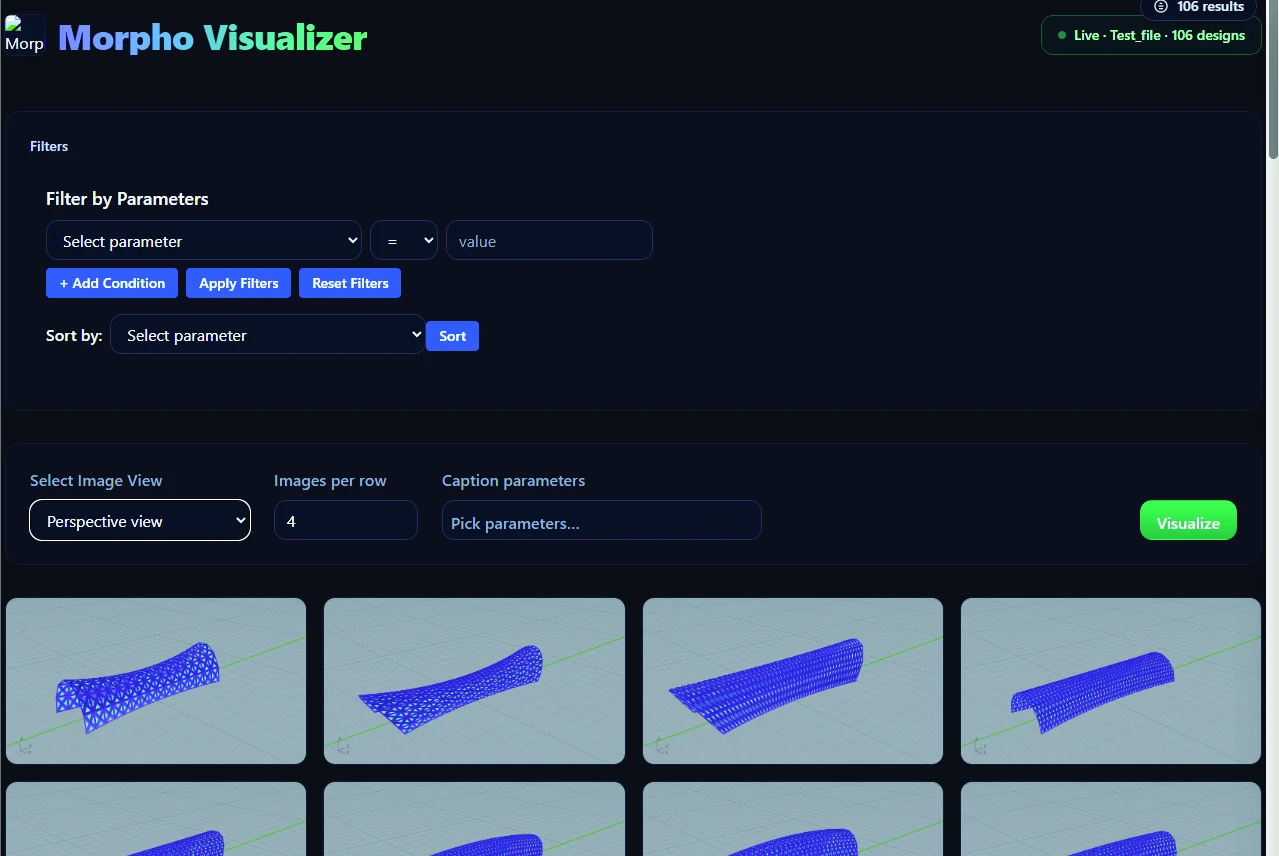
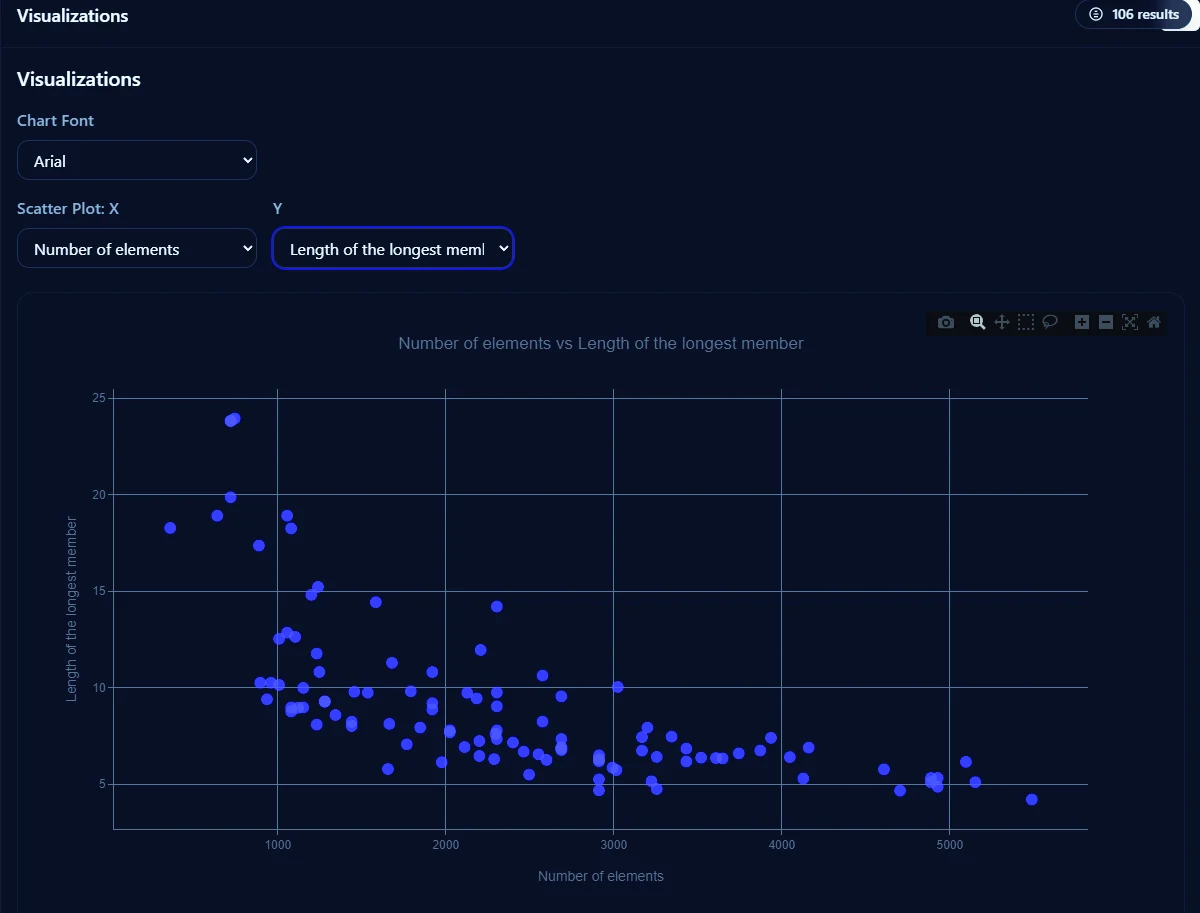
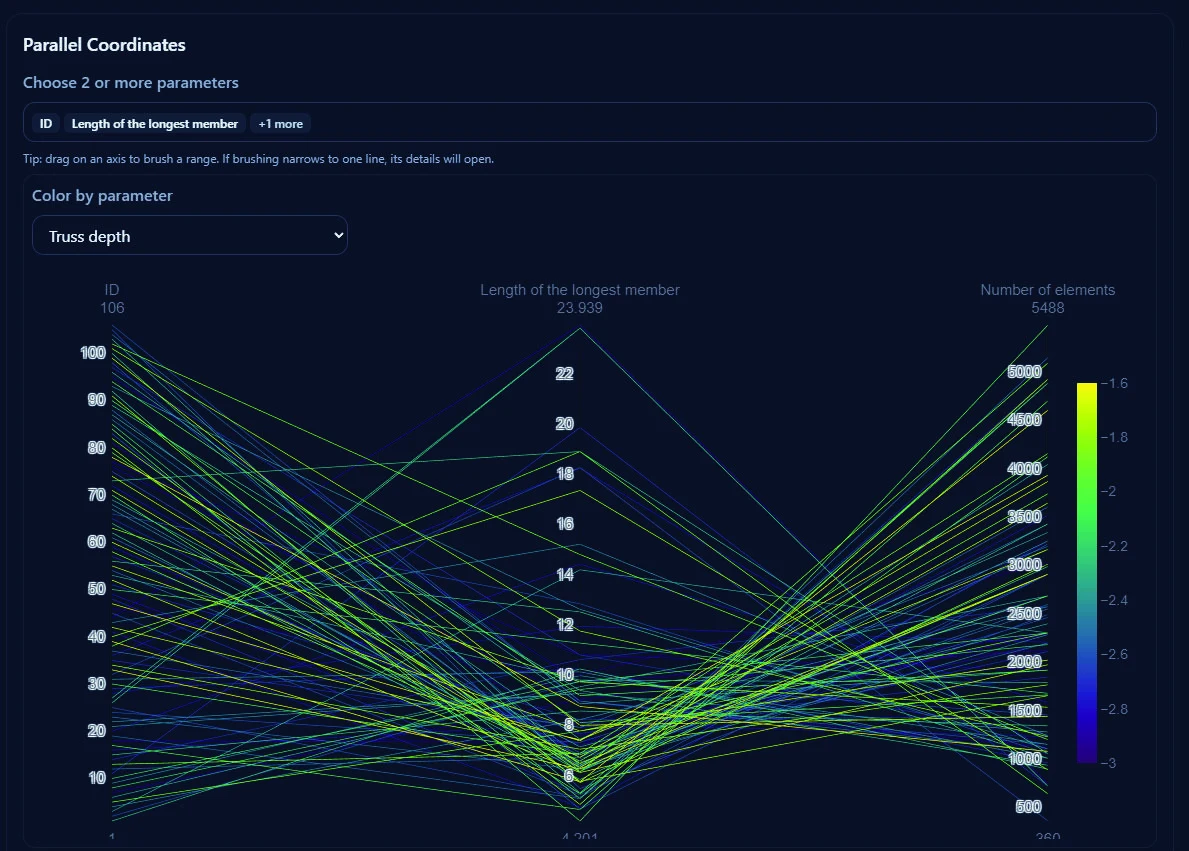
Move between images of individual solutions and the numerical relationships across a population. The viewer provides complementary representations rather than a single composite score.
Tools for a documented study.
Component reference
Seven core components and nine fitness-filter components. Inputs, outputs, expression syntax and selection behavior.
Experimental workflow
Installation, slider-defined parameters, data aggregation, image capture, saved populations and subsequent runs.
Software and research materials
macOS and Windows distributions, the illustrated user manual, publication details and downloadable citations.
Morpho supports exploration and comparison. Analysis solvers are supplied by the user. The current software does not include an automated TRIZ engine or automatic Pareto-front extraction. Results require interpretation within the assumptions of the underlying model.
- [1]Khodadadi, A., & von Buelow, P. (2022). Design exploration by using a genetic algorithm and the Theory of Inventive Problem Solving (TRIZ). Automation in Construction, 141, 104354.Research on combining qualitative and quantitative goals in conceptual design.
- [2]Khodadadi, A. (2026). Morpho 2.0 User Manual. First edition, October 2026. 35 pages.The manual retains its published title. Software distributed here is version 2.1.0.