한미재무학회 · A guided tour
A complete rebuild of the association's website — everything your visitors had before, faster and cleaner — plus a real member community and a control panel simple enough to use without ever touching code.
Every page from the old site is here — refreshed, faster, and easy to read on any phone, tablet, or computer.

The new homepage — a warm front door for visitors and prospective members.
A striking opening with your mission, live highlights of what KAFA hosts, a clear "become a member" call, and your sponsors.
The mission, the history since 1991, and an at-a-glance panel — the association's story in one clean page.
Current officers and every committee, shown with names, roles, affiliations, and photos.
The full leadership record, year by year, all the way back to the founding — nothing lost in the move.
Membership steps, lifetime dues, the join form, and the treasurer's contact — everything a new member needs.
Every conference call for papers and the Brown Bag seminar series, with dates, details, and downloads.
The FIN community — its mission, seminar series, and leadership — plus the Ph.D. students network.
All past newsletters, each one a proper PDF hosted on your own site — yours to keep for good.
Faculty positions with organization, deadline, and a direct "apply" link on each posting.
Your finance-resource links and an event photo gallery, all carried across and tidied up.
Korean names and text sit naturally alongside English throughout — true to KAFA's two-nation community.
Visitors can subscribe for KAFA news in one click — building your mailing list automatically.
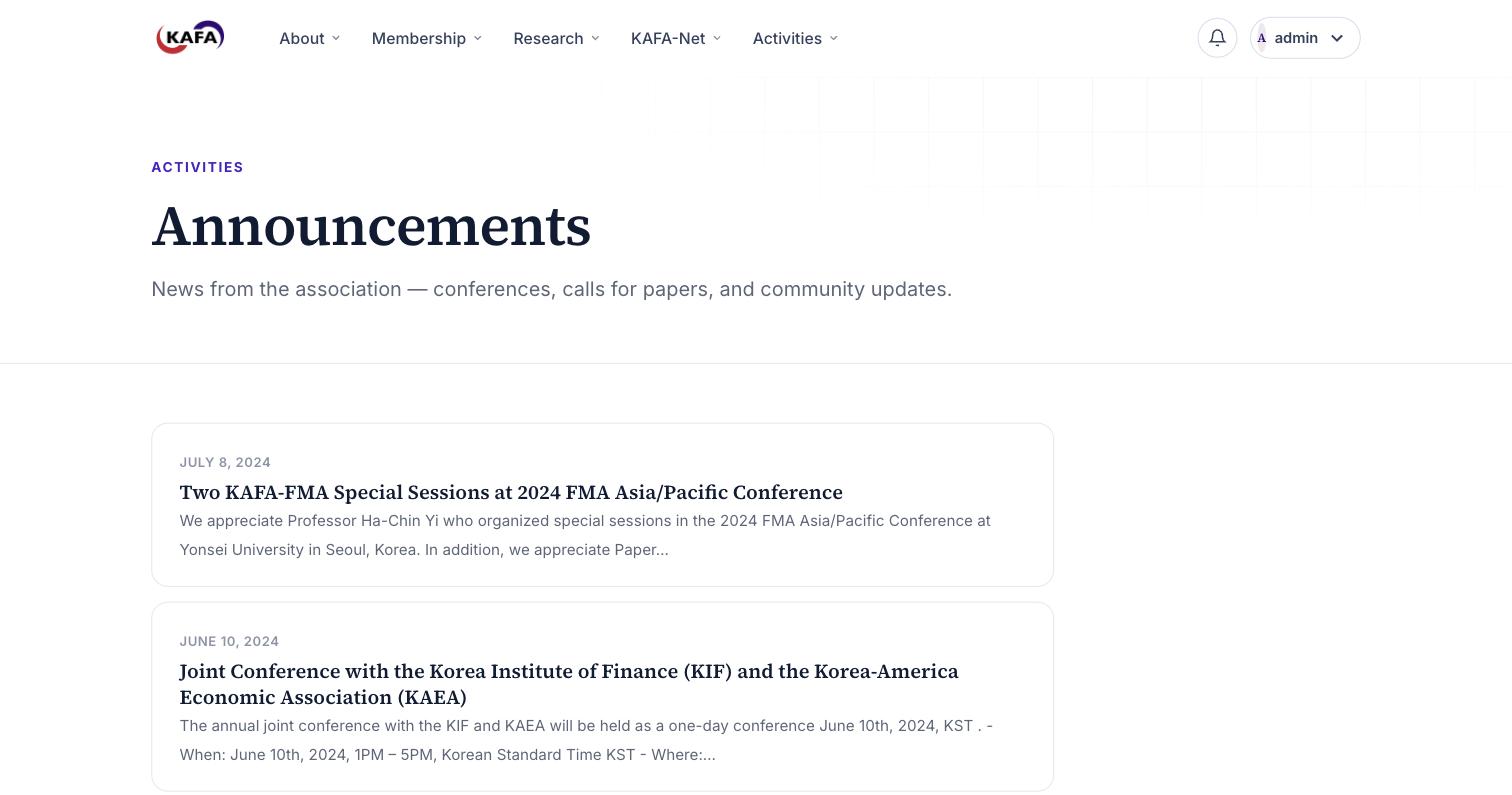
Announcements are dated, open for member comments, and posted in seconds — a living noticeboard, not a static page.
Members get real accounts, profiles, and a place to connect — and every member account is already set up and waiting. Nothing to move, nothing to re-enter.
All member accounts are in place. A member simply signs in, chooses a password the first time, and they're in — no setup, no forms to refill.
New people can create an account too; members sign in to unlock the directory, forum, and their profile.
Photo, short bio, title, affiliation, and links to their homepage, LinkedIn, or Google Scholar.
Members can follow one another and build their own corner of the KAFA network.
A bell that lights up when someone follows them or responds in a discussion they're part of.
Start topics, reply to others, and comment on announcements — a real research forum, organized into categories.
A searchable member directory that signed-in members can browse — find someone in seconds.
Each member manages their profile, privacy (show in the directory or not), email preferences, and password.
No developer, no page-builder subscription, no code. Sign in and change anything — with a live preview that shows your edits as you type.
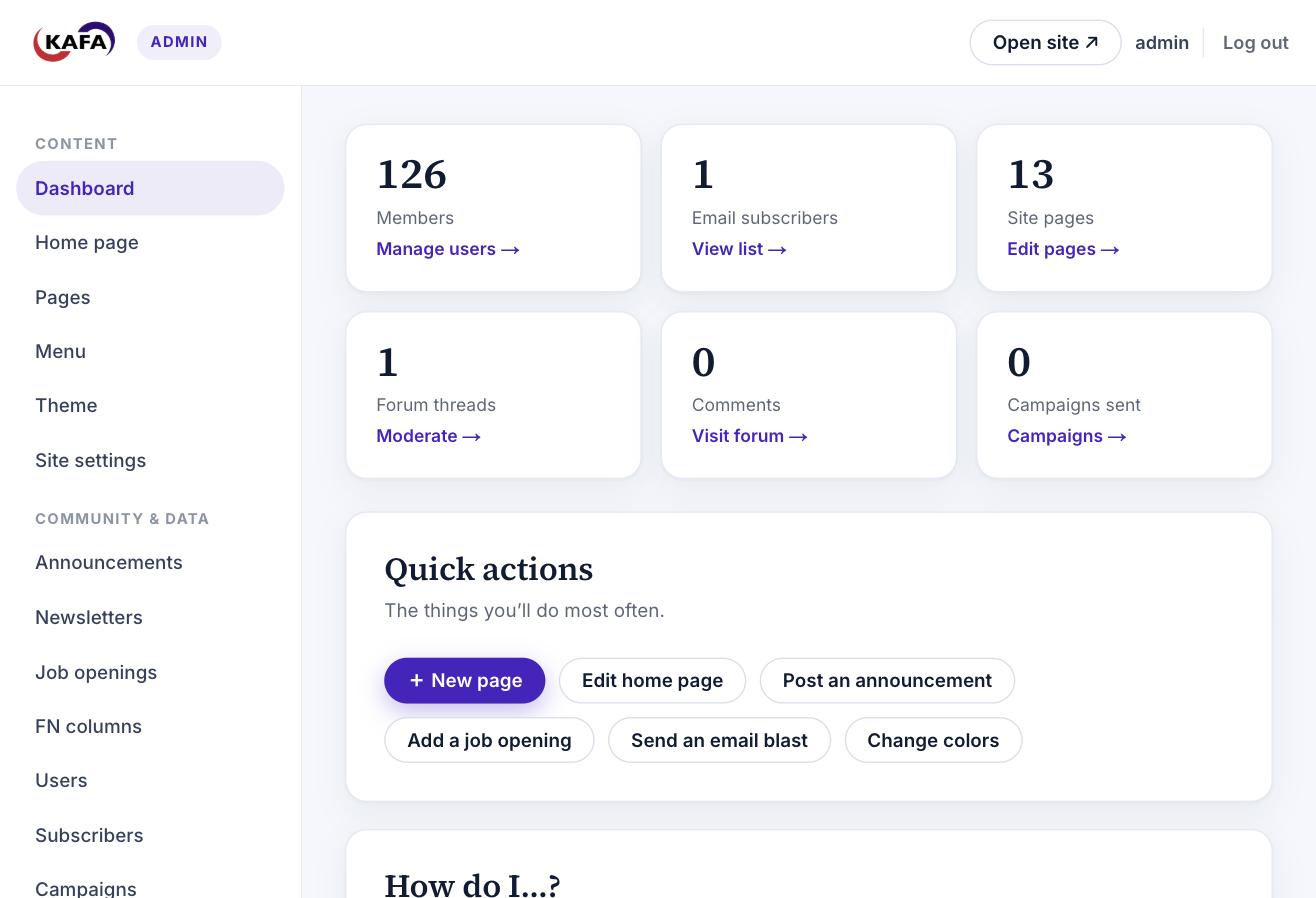
Key numbers at a glance — members, subscribers, pages — and the six things you'll do most, one click away.
Rewrite text, swap images, add whole sections — with a live preview of the real page beside you before you save.
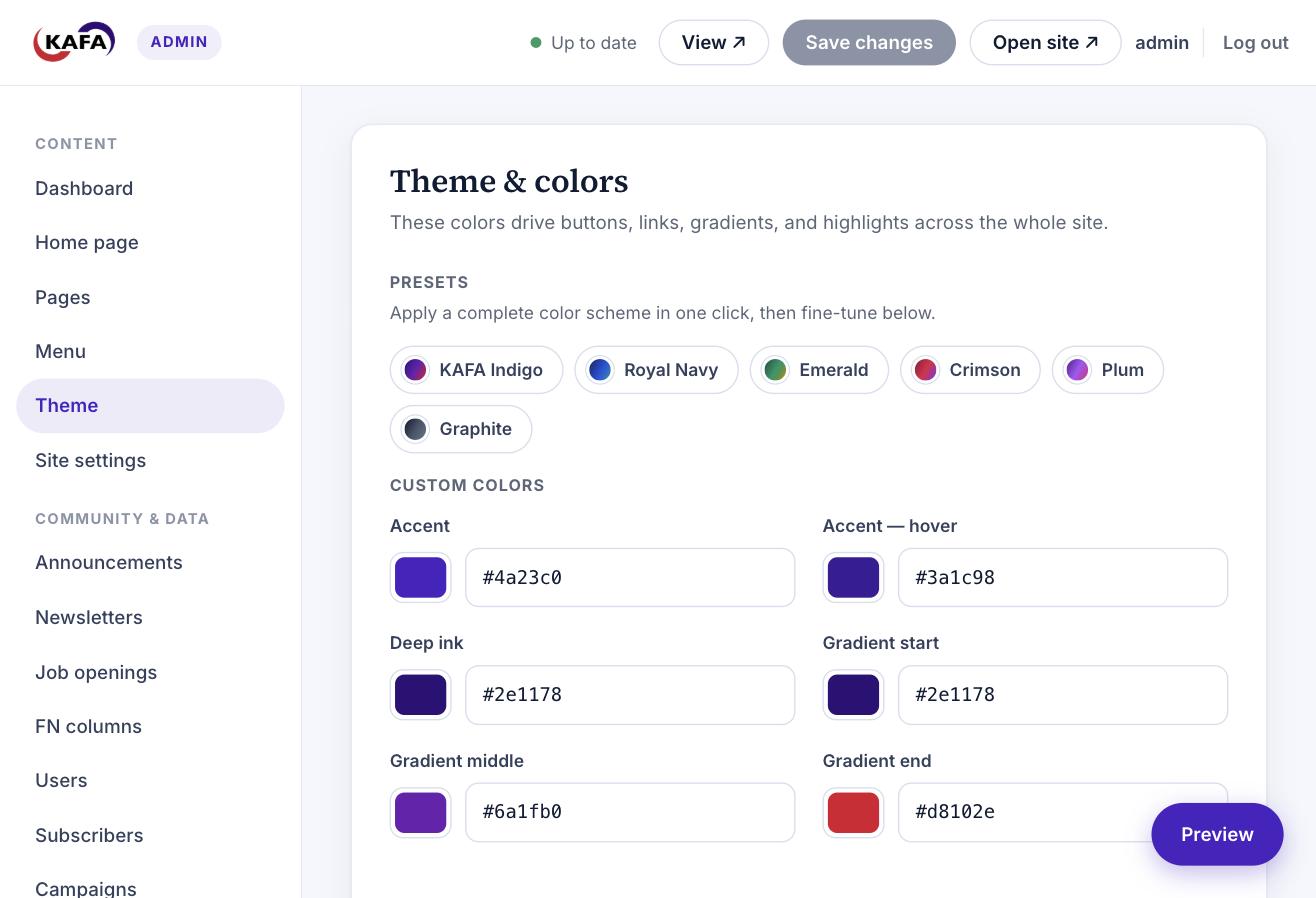
Pick a preset or fine-tune your brand colors, and the entire site restyles in the preview.
Start from a ready-made template, fill it in, and it's live — added to the menu the same afternoon.
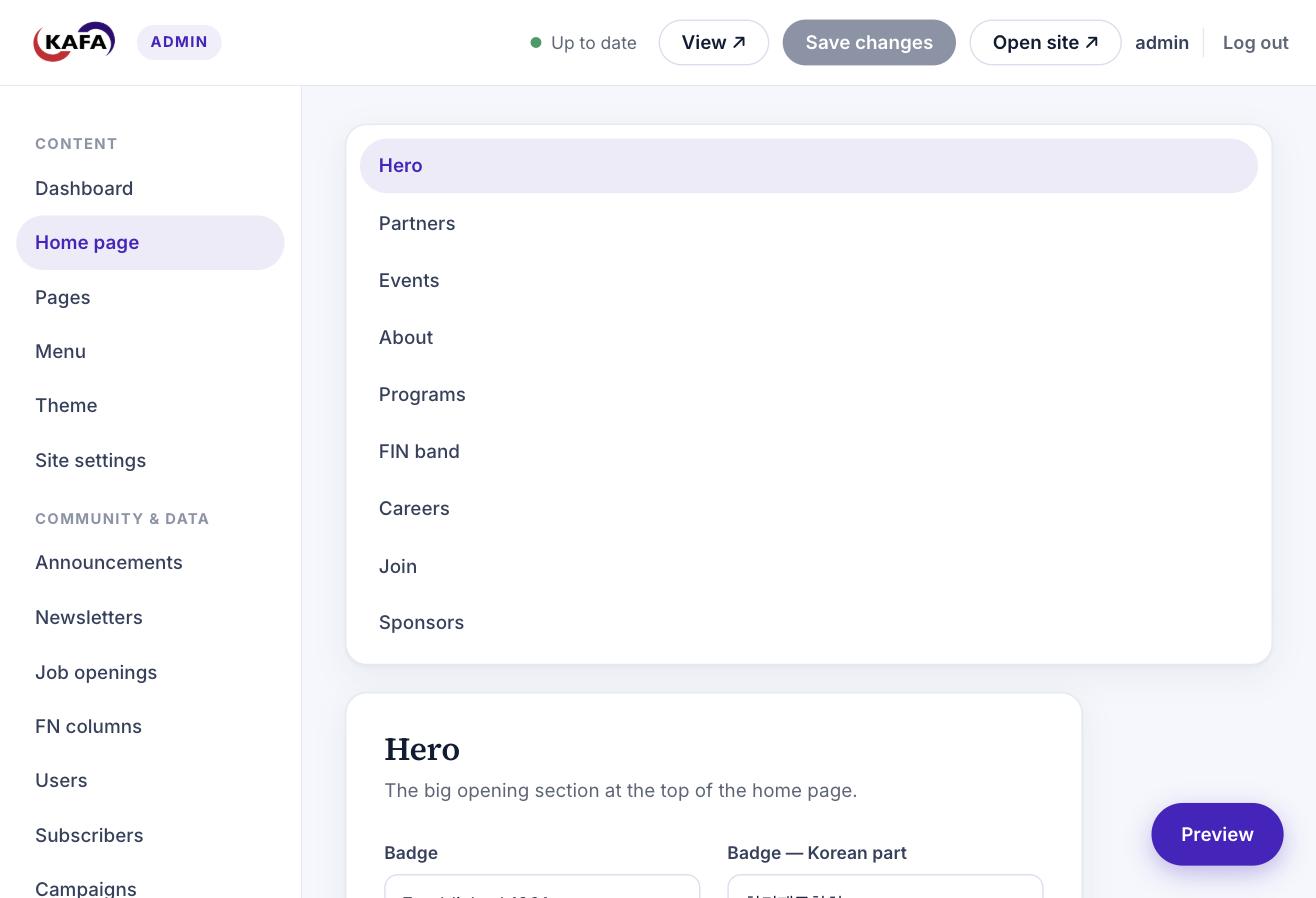
Hero, stats, events, membership call — tweak each section with a live preview of the real homepage.
Add, remove, rename, and reorder menu links and dropdowns — no code, effective immediately.
Update the site title, tagline, contact email, and footer text in one simple form.
Post news, upload newsletter PDFs, and list job openings — each with the right fields, published in seconds.
Search everyone, promote a colleague to admin, or send someone an invite link.
See who's subscribed and download the whole list as a spreadsheet whenever you need it.
Write a message, send yourself a test first, then send it to every subscriber — each with one-click unsubscribe.
A log of every email the site sends, and the tools to pin, lock, or remove any forum post.
Go to mykafa.vercel.app/admin in any browser.
Use the email and password from your login card at the bottom of this page.
You'll land on the dashboard. Pick any section on the left and start — you can't break anything you can't undo.
Six things you'll do most often. Each one is just a few clicks — the panel guides you the rest of the way.
Open Pages → click Edit on any page → change the text or swap an image. Your changes appear live in the preview. Click Save (or press ⌘S / Ctrl-S) and it's published.
Go to Pages → New page → type a title. It starts from a template — fill it in, set it to Published, and Save. Then add it to your menu (task 05).
Open Announcements → + New → add a title and message (you can pick the date) → Save. It appears immediately, and members can comment.
Go to Newsletters or Job openings → + New → fill the fields (upload the PDF, or add the deadline and apply link) → Save.
Open Menu → add, rename, remove, or reorder links and dropdowns with the arrow and ✕ buttons → Save. Navigation updates right away.
Go to Campaigns → + New campaign → write your subject and message → Send test to me → then Send to all subscribers. Every email carries a one-click unsubscribe.
The site is fully working today. These two are optional and can be switched on anytime.
Here's your live site and the keys to the admin panel. Take a look around — everything you've just seen is waiting for you.
This web address is temporary while things settle in — your real mykafa.org can be pointed here whenever you're ready, and it takes over seamlessly.
Log in at /admin, then open Account settings to set a password only you know. Please keep this note private — anyone with it can manage the whole site.